



Typography
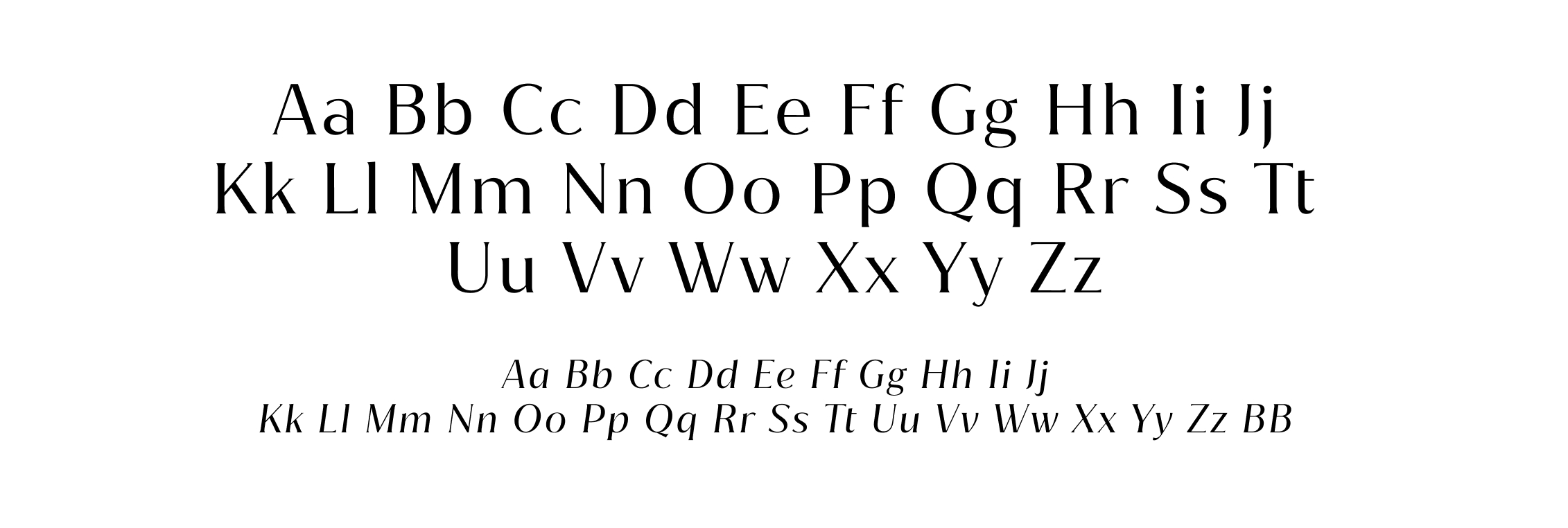
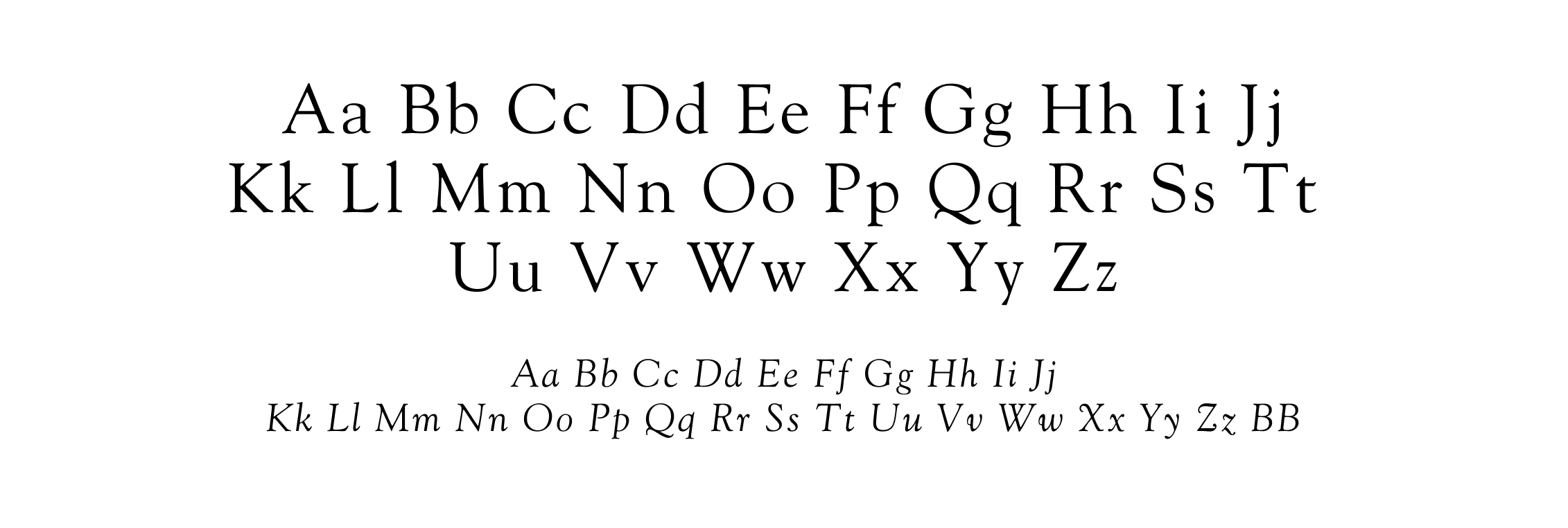
Jazmin
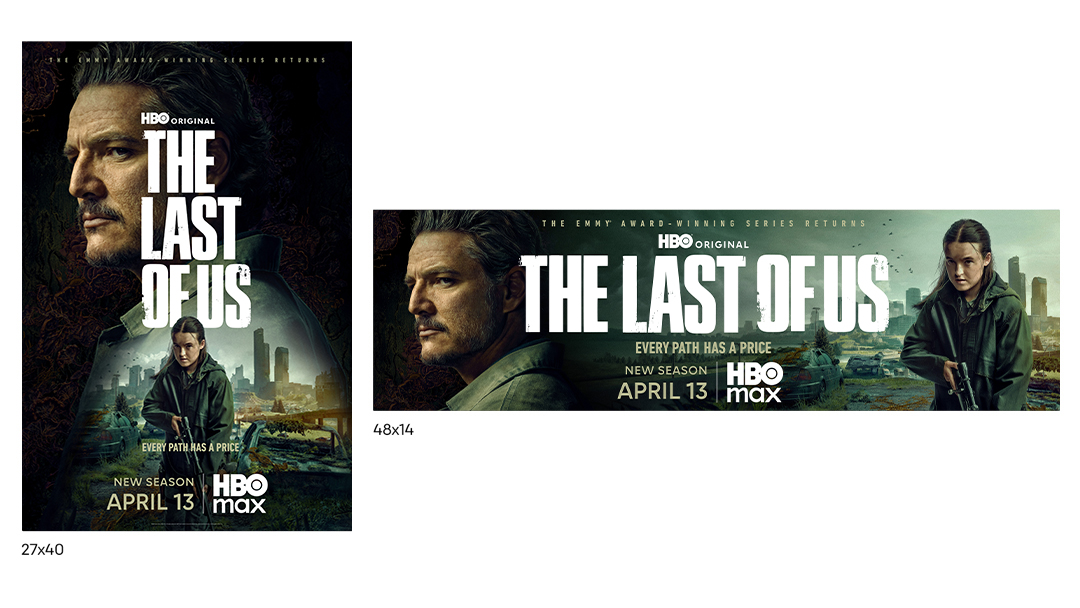
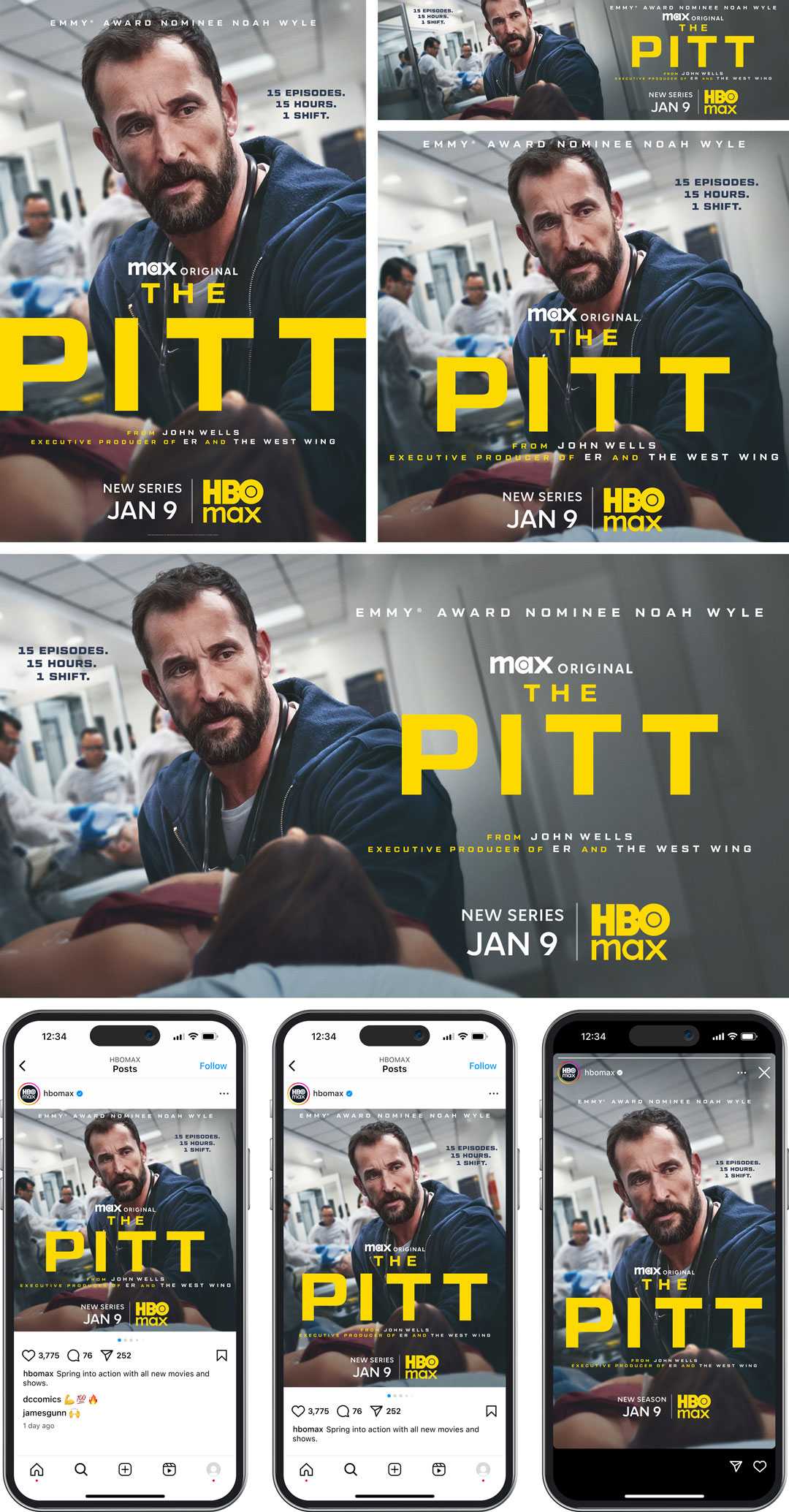
Primary font used mostly for headings and large type
We work directly with Monotype to manage licensing of our brand fonts:
- External partners, request access by email: nikita.mounger@wbd.com
- The requesting email address must be that of an individual and not a distribution list.
- Once approved, you will receive an email from Monotype with setup instructions.
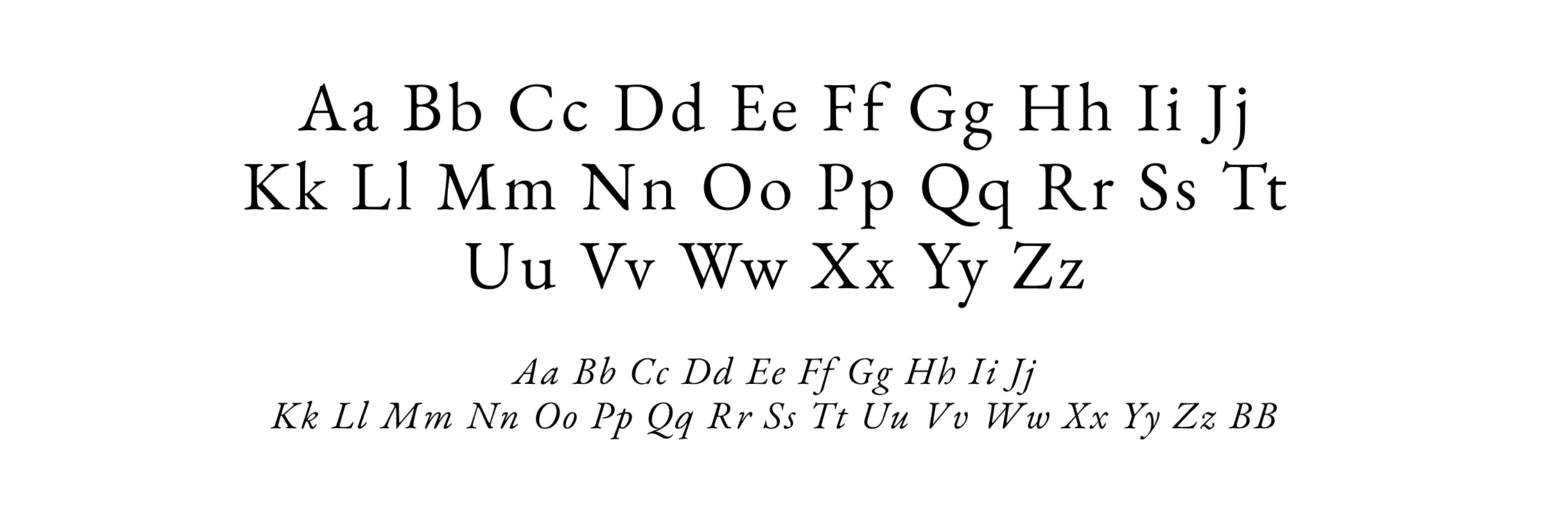
Goudy Old Style
Apply to body copy and smaller type.
Request Access
Monotype is available globally for WBD employees to support all creative asset development. Featuring over 30,000 fonts, the collection helps teams share projects seamlessly. Monotype is available for download through WBD Self Service. To sync fonts and access using your web browser, please go directly to Monotype.com.
To create a Monotype account and set up web access and syncing, submit the ServiceNow Monotype Request form (for WBD employees only). External users should contact nikita.mounger@wbd.com. Include your project name, company, and how long you will need access. Once submitted, requests are reviewed by the Monotype Customer Success Team. Approved users receive an invitation from Monotype to create their account and complete onboarding.
Monotype Look-Alike Fonts
When creating projects, vendors and designers should use our Monotype accounts first to ensure that the fonts are available.
If the font is not available on the Monotype server, select an alternate font using the similar search function What The Font?, in Monotype, to find a look-alike font.
You can also contact doug.ward@wbd.com or nikita.mounger@wbd.com for assistance in finding similar fonts through Monotype.
To create a Monotype account and set up web access and syncing, submit the ServiceNow Monotype Request form (for WBD employees only). External users should contact nikita.mounger@wbd.com. Include your project name, company, and how long you will need access. Once submitted, requests are reviewed by the Monotype Customer Success Team. Approved users receive an invitation from Monotype to create their account and complete onboarding.
Monotype Look-Alike Fonts
When creating projects, vendors and designers should use our Monotype accounts first to ensure that the fonts are available.
If the font is not available on the Monotype server, select an alternate font using the similar search function What The Font?, in Monotype, to find a look-alike font.
You can also contact doug.ward@wbd.com or nikita.mounger@wbd.com for assistance in finding similar fonts through Monotype.
Enterprise Licensing
If no suitable replacement is found, Originals Marketing (OM) or the creative lead should submit a WBD Monotype Fonts form to obtain a Monotype enterprise license.
For additional assistance, refer to these resources:
- The Monotype Help Center for application help, tutorials, font management guidance, and platform documentation
- The Monotype Fonts App download page for Windows and macOS installers
- The WBD Tech Training Monotype page for training materials on Monotype installation and usage
If a font can be licensed through Monotype under our enterprise agreement:
- Monotype provides the cost, and OM or the creative lead determines whether to allocate money toward this purchaseIf they do not wish to purchase the font through Monotype, they can request a comparable or alternate font from Monotype
- If they wish to purchase the font, the OM or creative lead contact will submit a request for a Monotype enterprise license through the WBD Monotype Fonts form
- Monotype will then send an email agreement and include the OM or creative lead contact, David Hoisch: david.hoisch@wbd.com, and Bobby Young: bobby.young@wbd.com
- The OM or creative lead contact must add a VP or above (someone responsible for the campaign’s budget) to the email to confirm the purchase
- Once approved, Monotype will submit an invoice to the OM or creative lead contact and make the font available to WBD users
- The OM or creative lead reviews the submitted invoice and sends it to Finance
If a font cannot be licensed through Monotype under our enterprise agreement:
- The OM contact, creative lead, or nikita.mounger@wbd.com will contact the font foundry to assist with negotiating pricing and to ensure all intended use cases are covered by licensingIf the company does not offer enterprise licenses or the font is free, another font will have to be chosen
- The EULA and any other information are sent to either OM’s legal contact or the creative lead’s legal contact for review. Any proposed license agreement or EULA requires Legal approval before purchase.
- If both the cost and EULA are approved, OM or the creative lead will have documentation signed by a VP or above from the team that is paying for the font
- OM or the creative lead forwards the invoice to Finance
- Once the contracts are signed and payment is finalized, the font server admin (Nikita Mounger) uploads the font to the Monotype platform and assigns access according to the EULA